
These are the best mechanical keyboards for your Mac
Many current Mac keyboards are not mechanical – pushing a key pushes two membranes together, which sends an electrical current to your Mac to tell it to produce a letter. Mechanical keyboards have physical switches, which make them louder, and ensure you really know when you've pressed a key. A lot of folks are going back to mechanical keyboards since the "mushy" keyboards of today just aren't responsive enough. If you miss the clickety-clackety keyboards of yore, then check these out!
Top pick
Das Keyboard 4 Professional
Staff Favorite
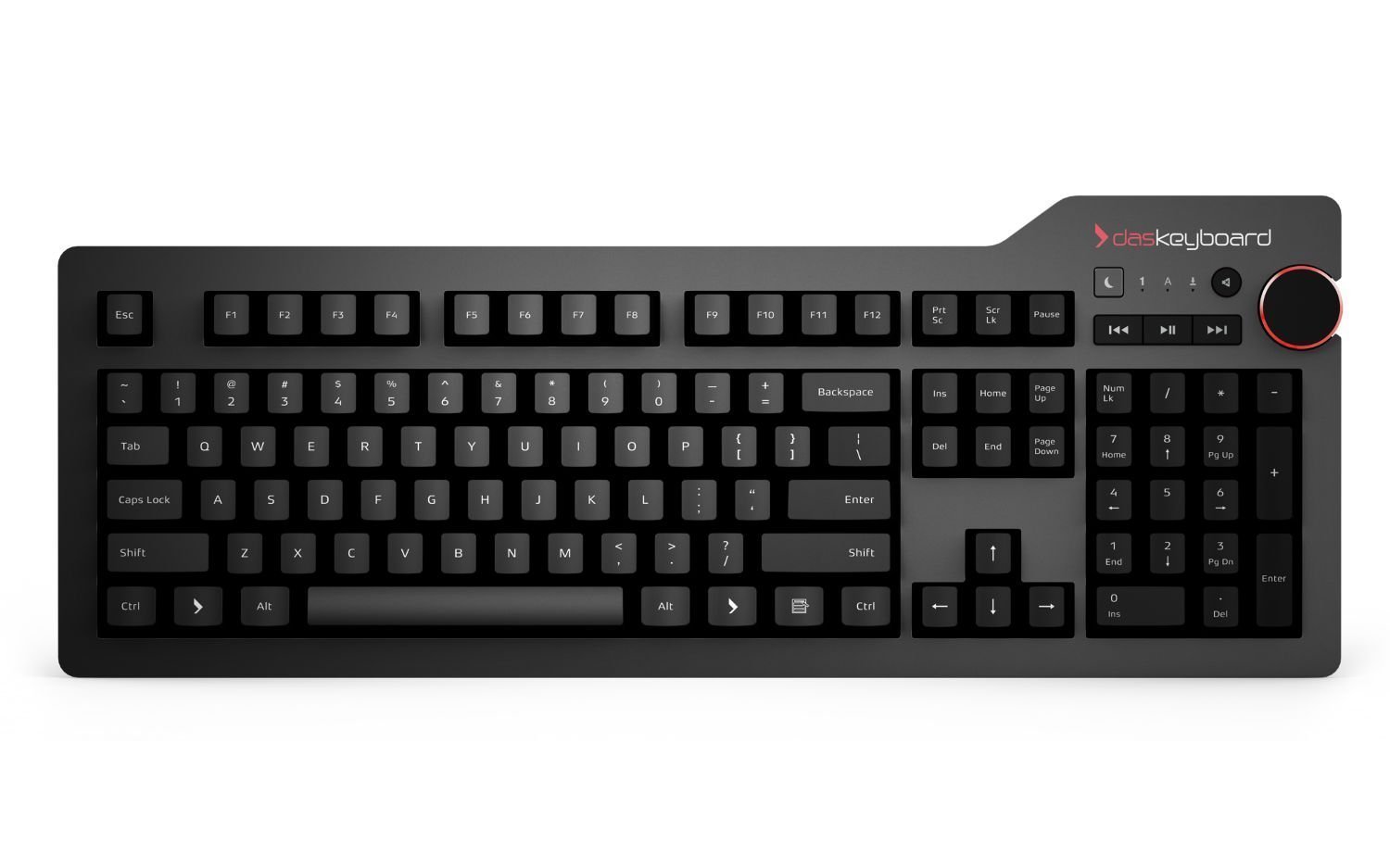
Das Keyboard 4 Professional gives you the choice between Cherry MX Brown or Blue, depending on how loud you like your keyboard, and it even has dedicated media controls, including an oversized volume knob, as well as a number pad. Two USB 3.0 ports make it perfect for the ultra-productive folks.
Backlight champ
WASD CODE 87-key keyboard
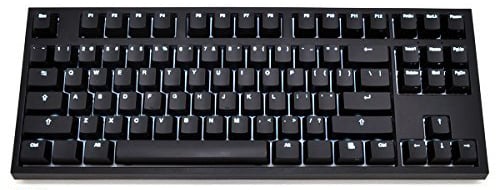
If you have a dimly lit workspace or find yourself regularly typing in the dark, then this is the keyboard for you. It features bright white LED backlighting with seven brightness levels, and the DIP switch makes it easy to switch on Mac mode. You can even elect to get command and option keys from WASD, though reviewers note they aren't made for backlighting.
Quietest option
Matias Quiet Pro
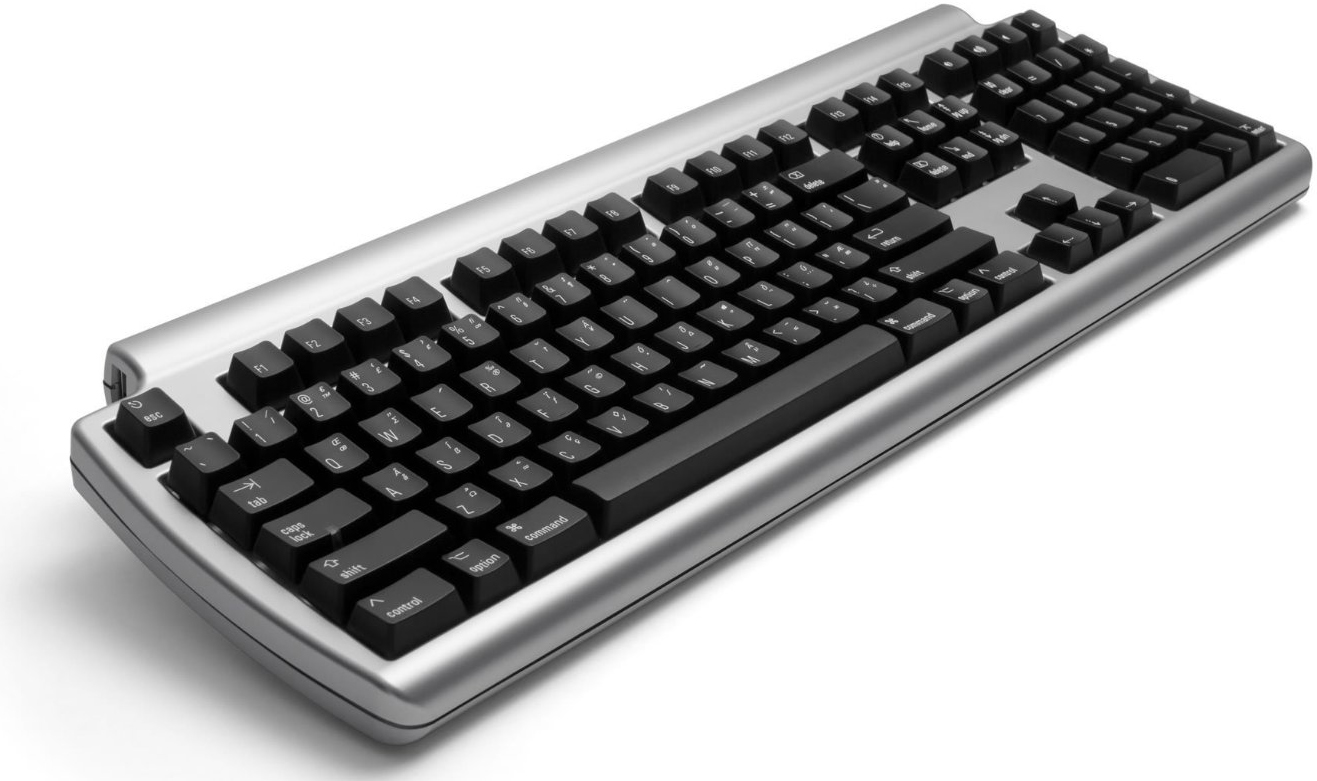
This keyboard, which is specifically made for Mac, has very quiet keys, so it delivers all of the comforts of a mechanical keyboard with much less clickety-clack. The Matias Quiet Pro also features a full number pad, as well as fold-out legs to raise it up if you prefer it that way.
For power users
Logitech G710+

Logitech's G710+ has a huge feature set for its price. You've got high-speed keys with great feedback, dual-zone backlighting, which means you can adjust the brightness of the WASD on their own — perfect if you do any gaming on your Mac. You can even configure 6 buttons for 18 different gaming functions, including single key presses.
RGB backlighting
AUKEY RGB backlit keyboard
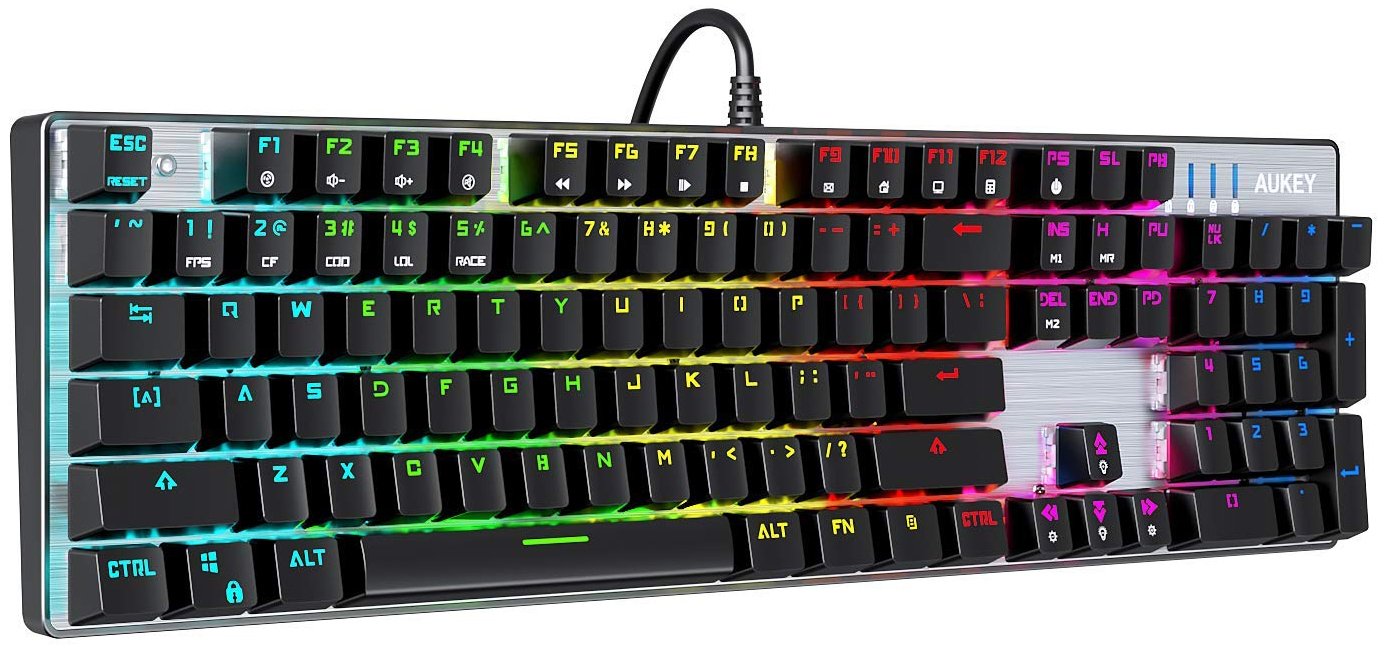
Rainbow backlighting is the prettiest backlighting and AUKEY does it well with its inexpensive keyboard, which may have Outemu Blue switches, but they still feel like MX Cherry switches and provide great tactile feedback. There are 10 LED presets for different patterns and lighting effects, and there are game lighting combinations if that's your fancy. If you're looking for a straight-up cool keyboard, this is the one.
Steampunk aesthetic
Azio Artisan Bluetooth keyboard
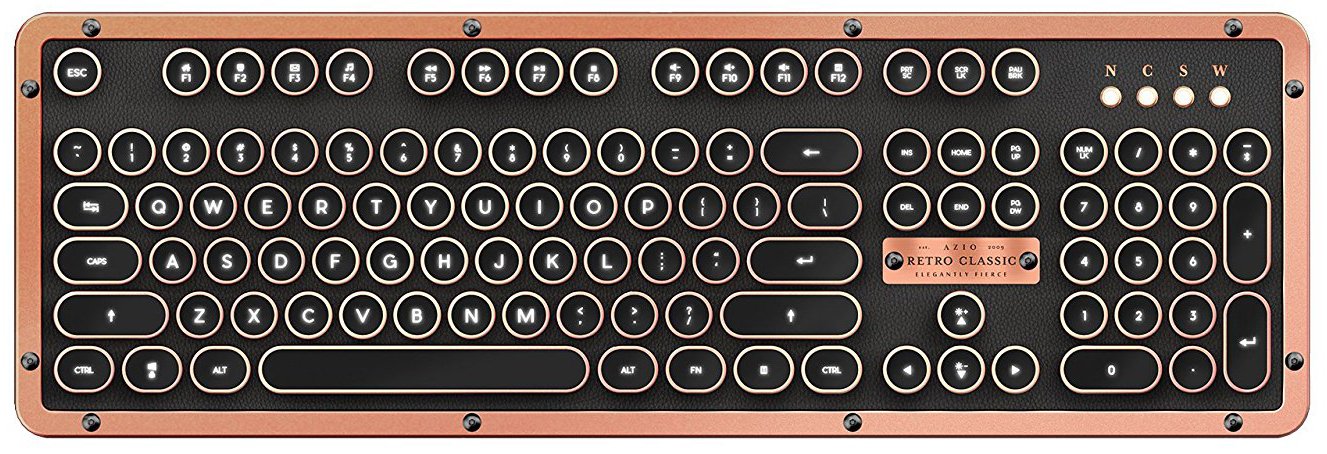
If you're into steampunk or just like your peripherals to have an aesthetic that pops and looks different from what everyone else has, then Azio's copper-colored Artisan keyboard is where it's at. It features a genuine leather top plate, a zinc-aluminum frame, round keys, and a number pad. This is a conversation piece, but it's fully functional and quite well-reviewed.
Budget option
EagleTec RGB LED keyboard
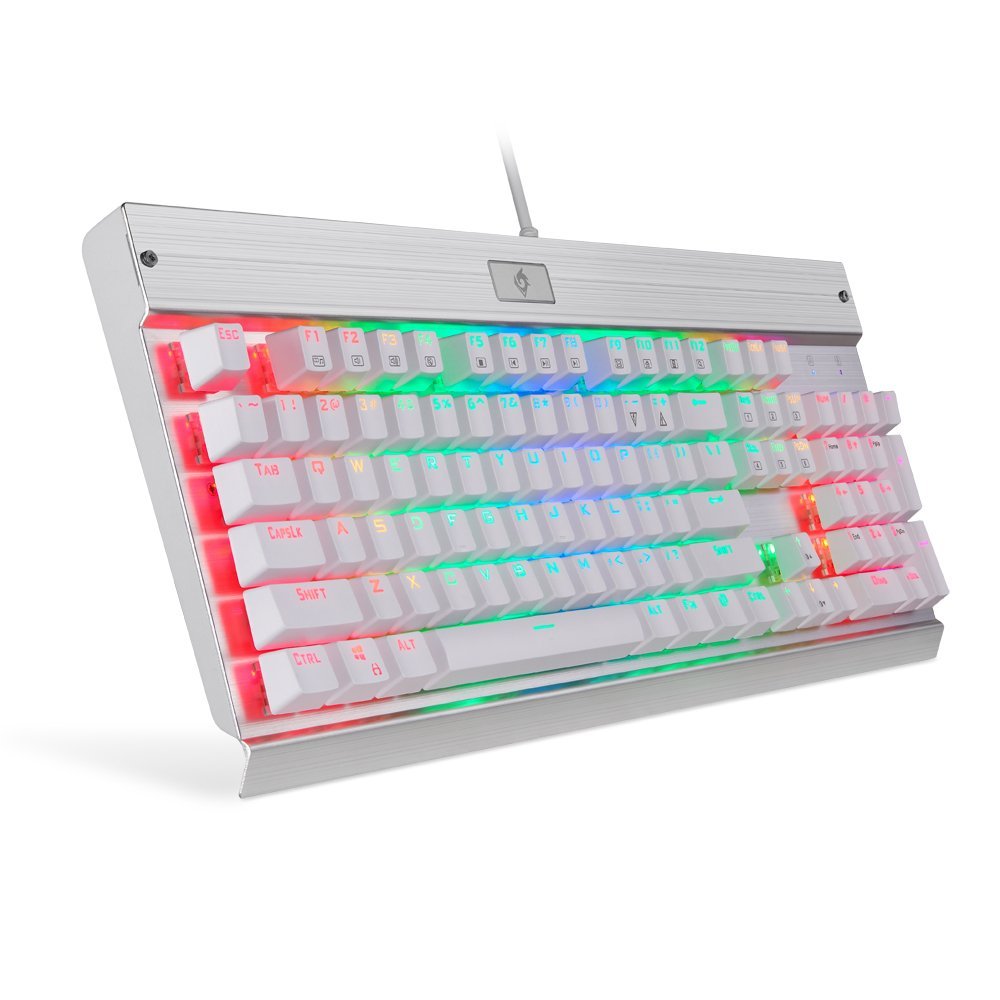
If you're looking for a backlit keyboard that fits in more with Apple's aesthetic than others, then EagleTec's is the one you want. It's all white, but has RGB backlighting, with five lighting modes, as well as five levels of brightness. This keyboard is reinforced with aluminum, making it sturdy and substantial so that it's not sliding across your desk while you type.
The dissatisfying keyboards that come with Macs just aren't enough for some people. If you like real key feedback and that satisfying clicking sound, pick up a mechanical keyboard. Yes, the Cherry MX switches —the ones available Das Keyboard 4 Professional — on the will feel the best and last the longest, but if you want to go cheaper, the Outemu Blue switches are still often rated for 50 million presses.

from iMore - The #1 iPhone, iPad, and iPod touch blog https://ift.tt/2yo4NRz

Post a Comment