
Back up and restore your Mac with Time Machine

How to set up, configure, and dive deeply into Time Machine, the built-in backup feature on your Mac.
Time Machine is the built-in backup solution in macOS, automatically making backups of your Mac onto an external drive. It's easy to set up, and after that, you don't even need to worry about it. But if you want to customize your experience to fit more particular needs or use cases, you absolutely can.
- What is Time Machine?
- Getting started with Time Machine
- Digging into Time Machine
- Best drives for Time Machine
What is Time Machine?

Time Machine is Apple's built-in solution for backing up macOS. You can connect an external hard drive over USB or Thunderbolt (or FireWire, for older Macs) for a wired connection, or over a network for a wireless connection. Time Machine backs up every hour, deleting older backups as the backup drive starts running out of space.
It's a great first layer to any backup solution, and it's included right in the operating system.
Getting started with Time Machine
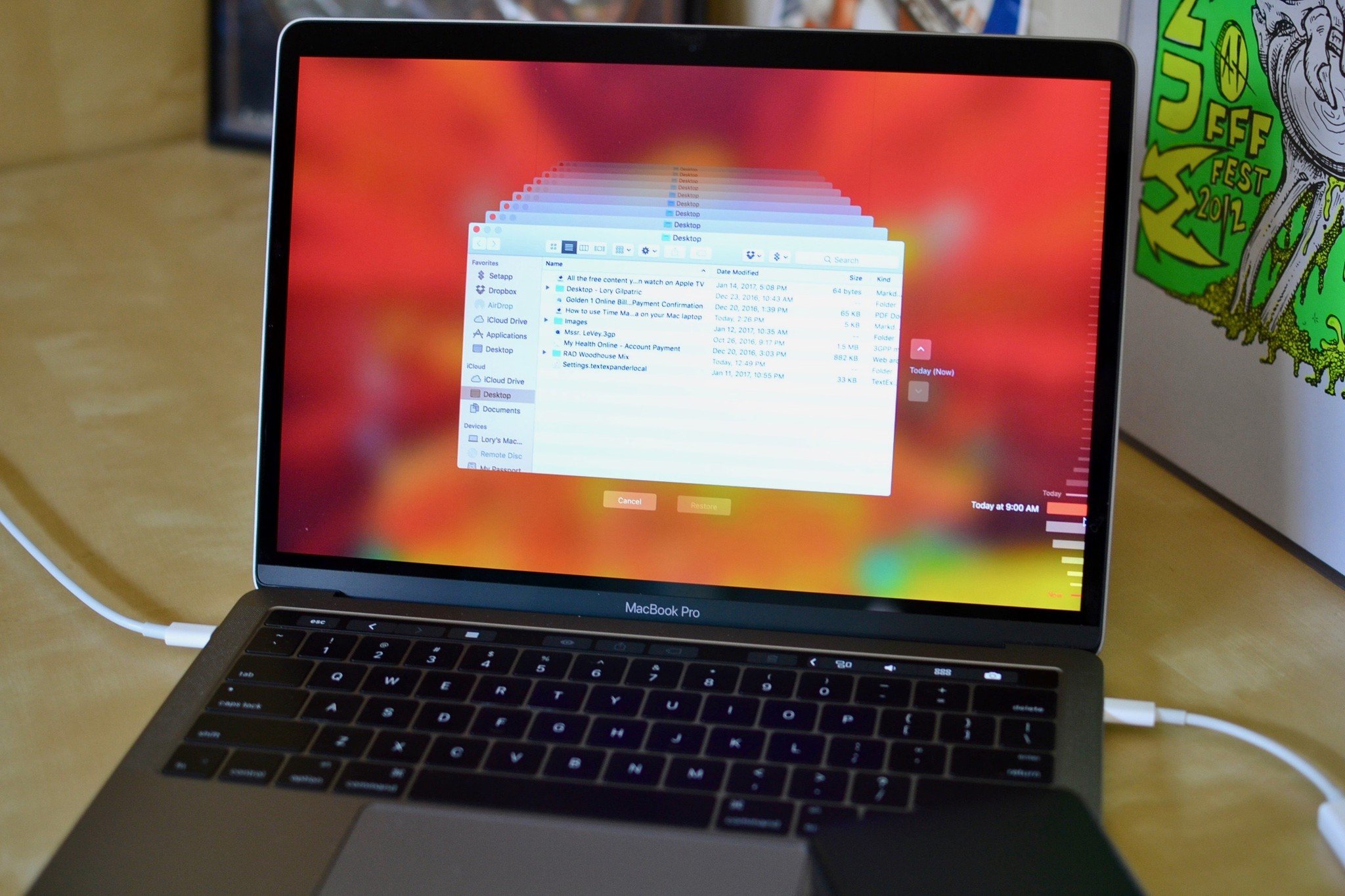
First, the basics. Get Time Machine set up, then learn about how you can choose what's backed up, how to restore from Time Machine, how to encrypt backups, and more.
- How to set up and start using Time Machine
- How to selectively back up with Time Machine
- How to make sure Time Machine is backing up properly on your Mac
- How to restore from a Time Machine backup
- How to delete older Time Machine backups
- How to encrypt your Time Machine backups
Digging in to Time Machine

So you've got everything set up and you know the basics of Time Machine. But there are some advanced steps that you should know about.
- How to use Finder with Time Machine
- How to restore individual files from a Time Machine backup
- How to view Time Machine backups from another Mac
- How to use Time Machine with multiple Macs
- How to speed up your Time Machine backups
Best drives for Time Machine
If you want to use Time Machine, you'll need an external drive to get started. Here's our favorite, along with a few alternative options.
Ideal for most users
G-Technology G-Drive 1TB

Durable, colorful accessory
USB-C ready plus USB 3.0 and Thunderbolt 3 compatible, this stylish drive from G-Technology is lightweight and Mac ready.
Also available in 2TB and 4TB models, G-Technology's G-Drive is one of the easiest drives to use for backup. Just plug it in and you're halfway there! It's available in silver, space gray, and rose gold.
Other options
The following hard drives are also among our favorites for 2019.
If you need something more portable, or something with a little more style, check out these options.
SanDisk Extreme Portable External 250B, 500GB, 1TB, 2GB
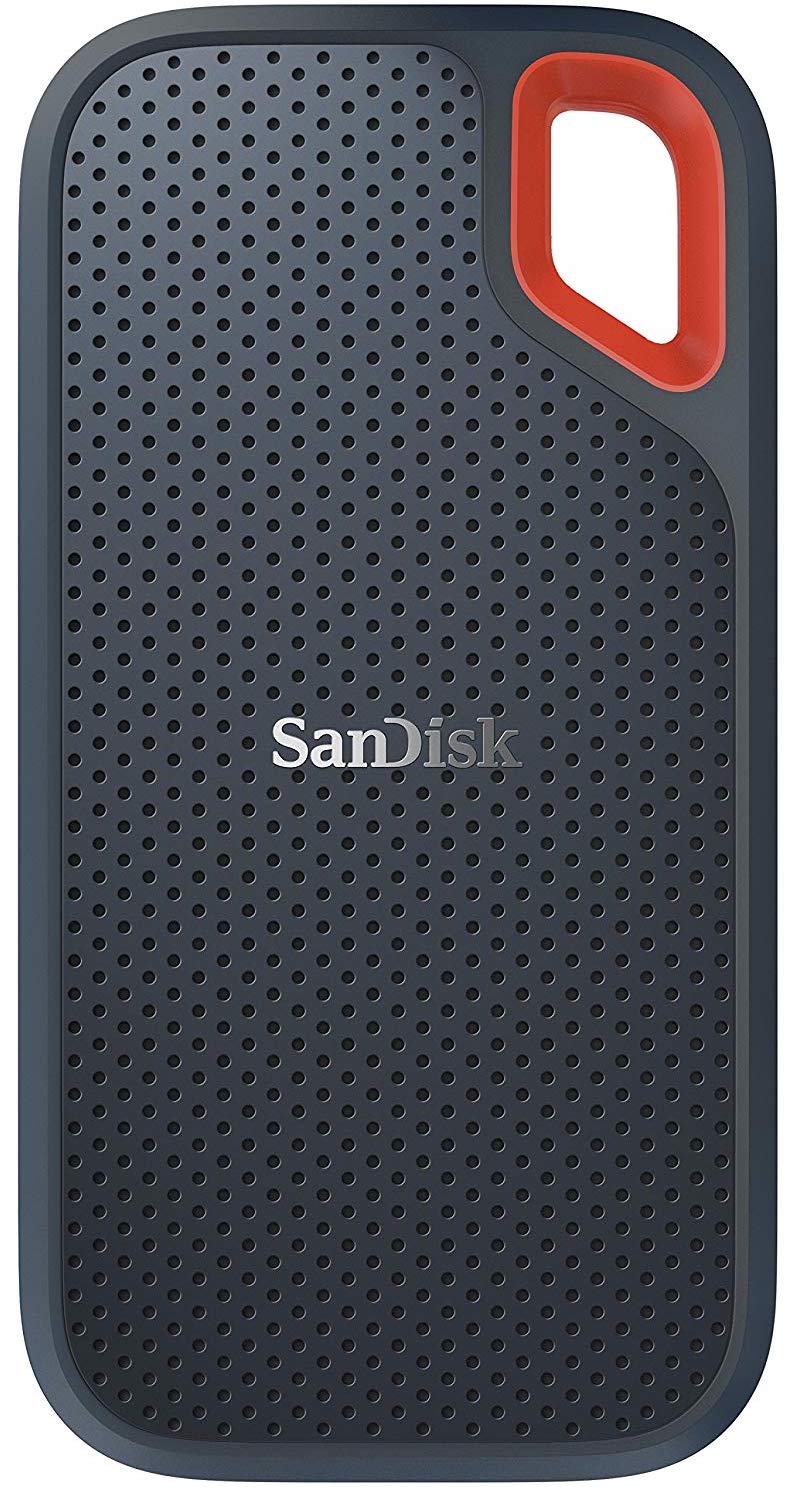
This product proves that even hard drives can be beautiful.
LaCie Porsche Design 1TB, 2TB, 4TB
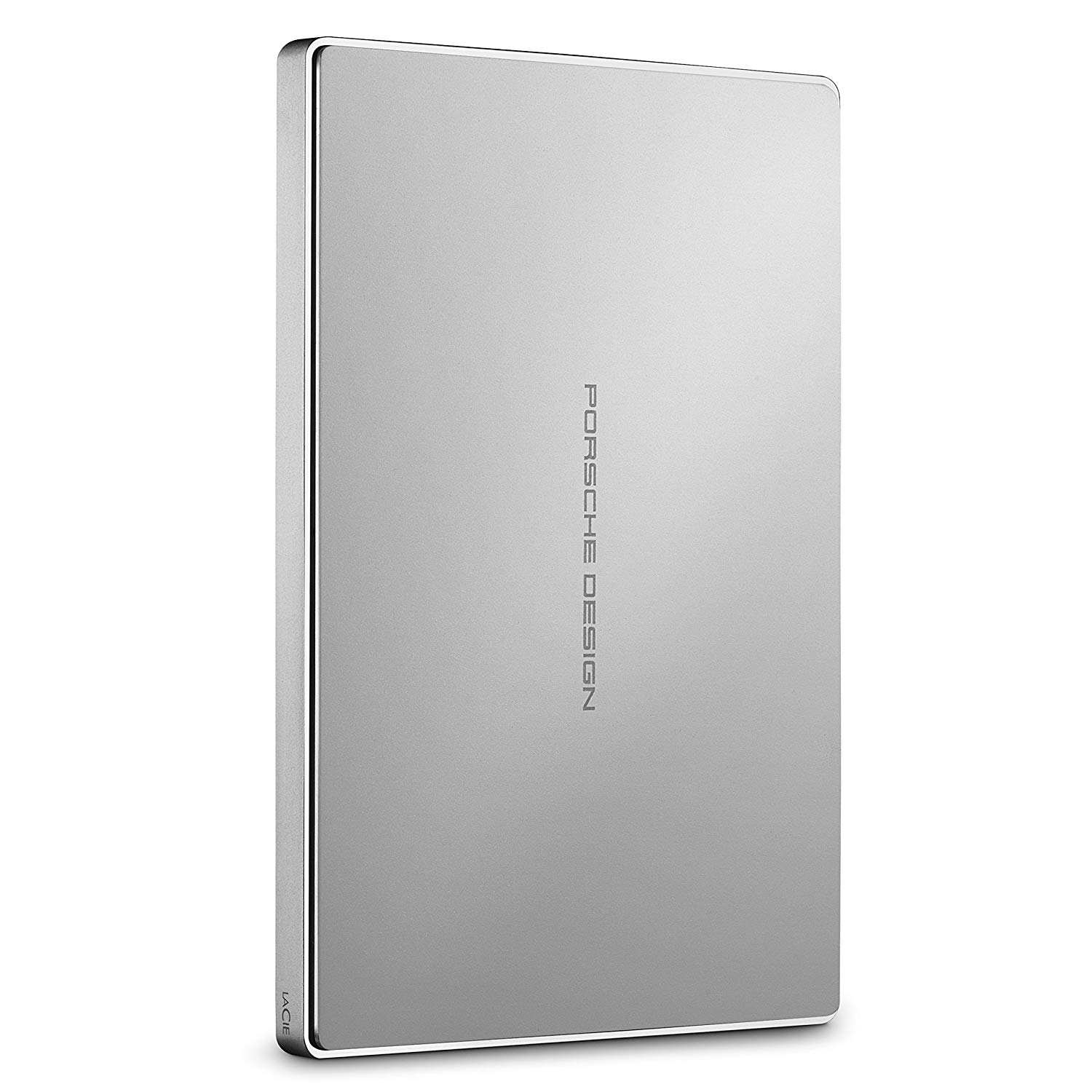
LaCie is well known for its backup devices and this is one of the most popular models on the market.
Any other questions?
If you have any additional questions about getting started with or using Time Machine, let us know in the comments.

from iMore - The #1 iPhone, iPad, and iPod touch blog http://bit.ly/2tzsWor

Post a Comment