
Make your Polaroid Snap photos unique with filters and frames

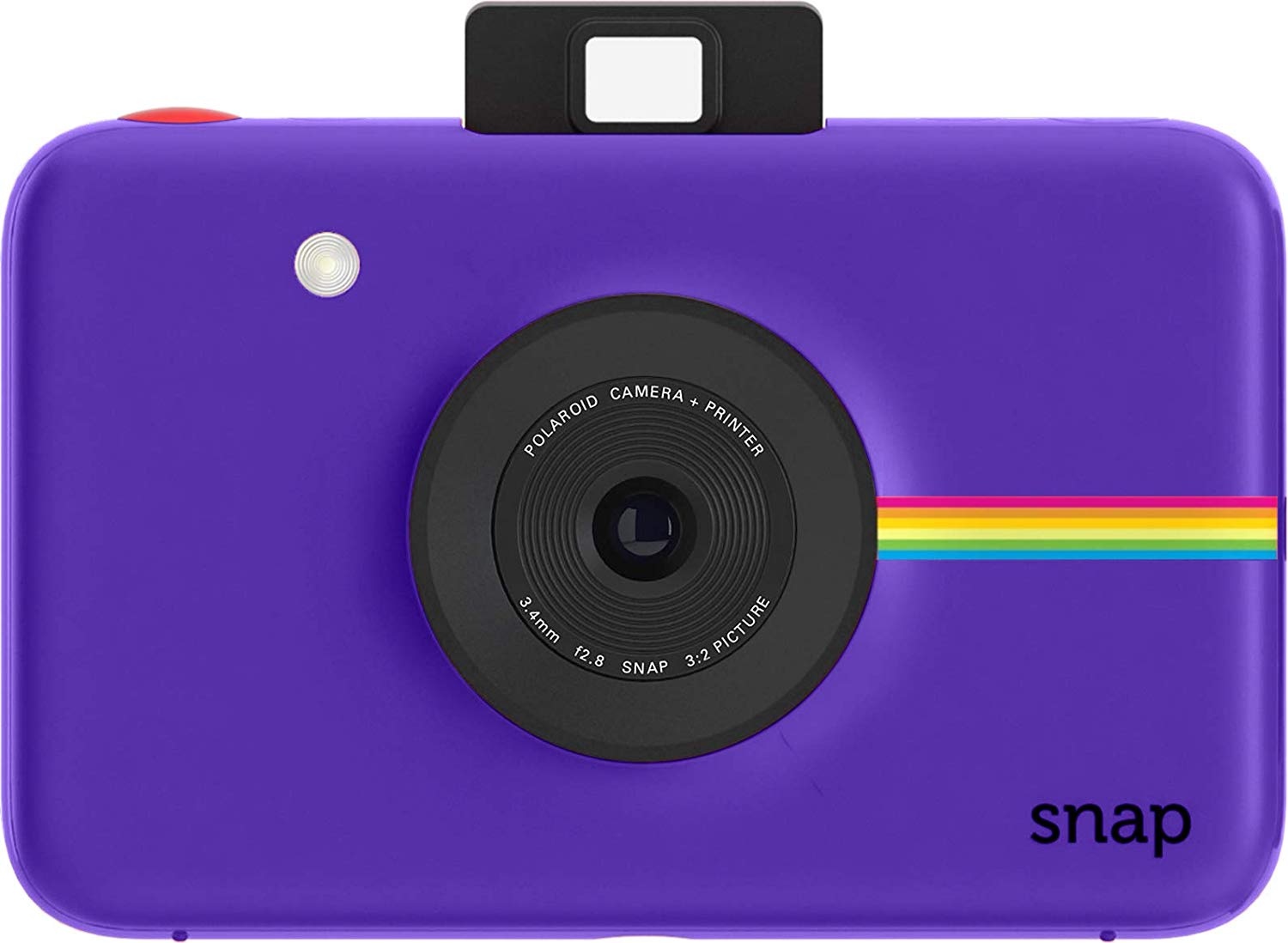
The Polaroid Snap is an entry-level instant camera with a few bonus features thrown in to make your photos more unique. These features include the ability to use up to three different filters, including color, black and white, and sepia. You can also decide whether or not to print your pictures with Polaroid's signature white frame. Here's how to use both features.
Products used in this guide
Amazon: Polaroid Snap Instant Digital Camera ($90)
How to change the tint of your photos
- Select a color tint on the Color Mode Selector wheel at the top of the camera. Your choices are color, black & white, and sepia.
-
Snap the red Shutter button on the top of the camera to snap your photo.

Enjoy your beautiful print!
How to add or remove the white frame around your photos
- Tap the Polaroid Border Selector which is next to the Color Mode Selector wheel at the top of the camera. Your choices are with a border or without.
-
Snap the red Shutter button on the top of the camera to snap your photo.

Get the camera
Entry-level goodness
Polaroid Snap Instant Camera
Record your special moments
The Polaroid Snap is a great camera for kids and other new instant camera users. Its one of our favorite instant cameras currently on the market.
This low-cost camera doesn't have a lot of unique features, but it's good at what it does nonetheless. Use the color and border selectors to customize the photos to match your tastes better.

from iMore - The #1 iPhone, iPad, and iPod touch blog https://ift.tt/2SZkcGx

Post a Comment